
The globe
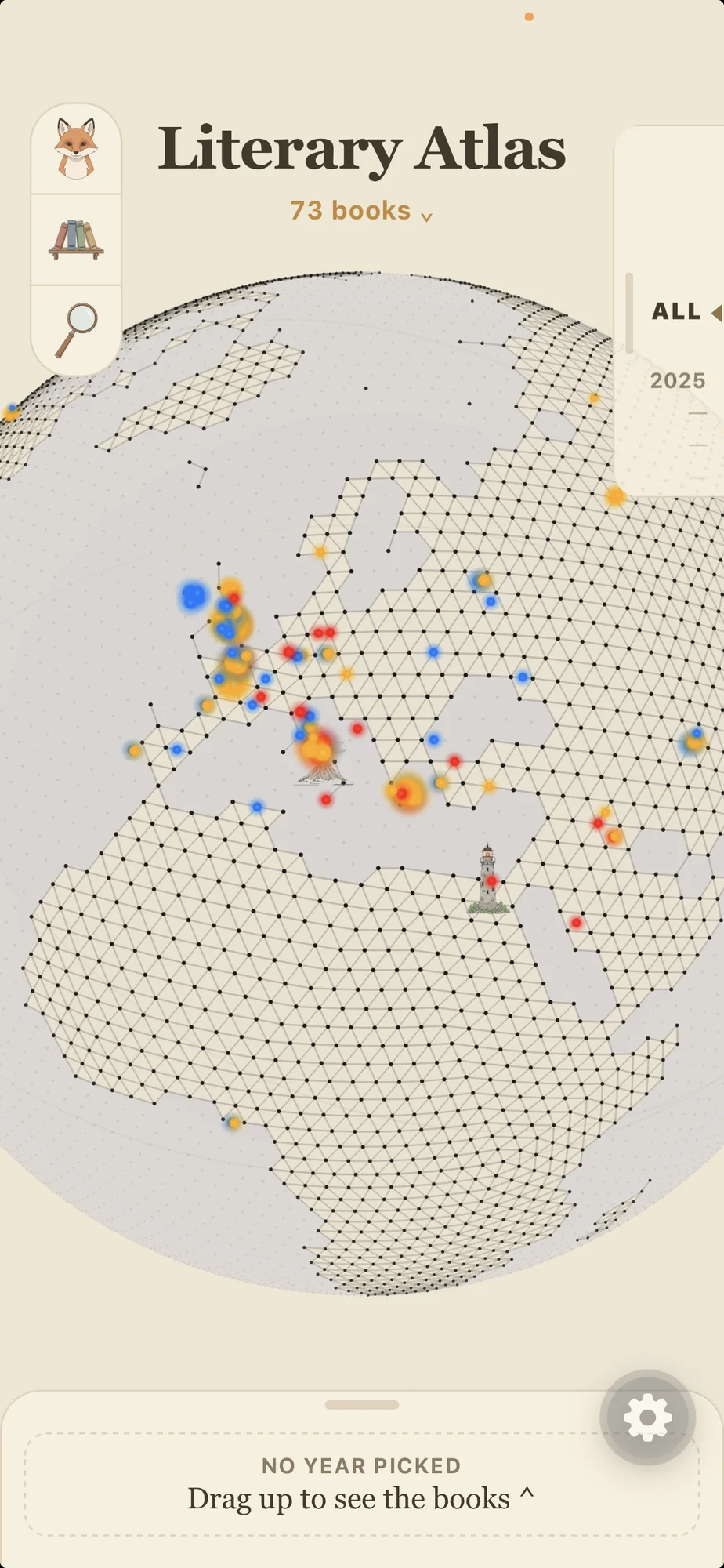
Spin a 3D Earth and watch literature light up by place — the cities stories are set in and the countries that shaped their authors. Tap a point, open the story.
Now on the App Store · for iPhone
Literary Atlas maps the world's stories onto a spinning globe — where they're set, where their authors lived, and when. Bring your own ebooks, read or listen to them offline, and let the map lead you to the next one.
iPhone · Free download · Premium optional, first 2 months free
Literature has a geography

Every region carries its own shelf
Browse the atlas
Every book on the Atlas has a page: the illustration, the story of how it came to be, and its place on the map. The app tells that story in pictures; public-domain classics also come with the full text to read or hear read aloud.




What it does
Reading is usually a list. Literary Atlas makes it a place, a timeline, and a shelf you actually own.
Spin a 3D Earth and watch literature light up by place — the cities stories are set in and the countries that shaped their authors. Tap a point, open the story.
Follow authors across the centuries and see who was writing when. History stops being a wall of dates and becomes a line you can read along.
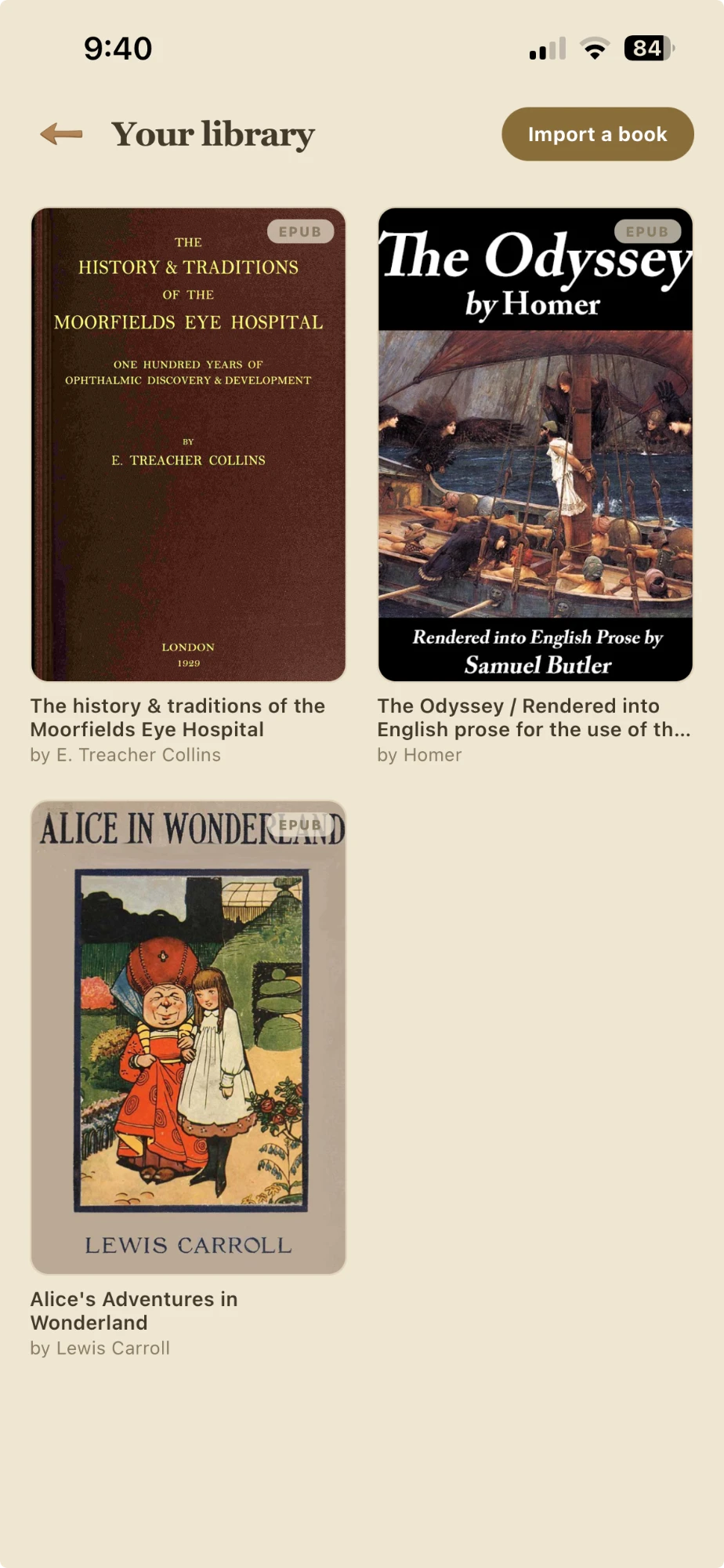
Import your own DRM-free ebooks straight from your files. They live on your device, ready to read offline, and stay synced to your account for your next phone.
Inside the ebook reader
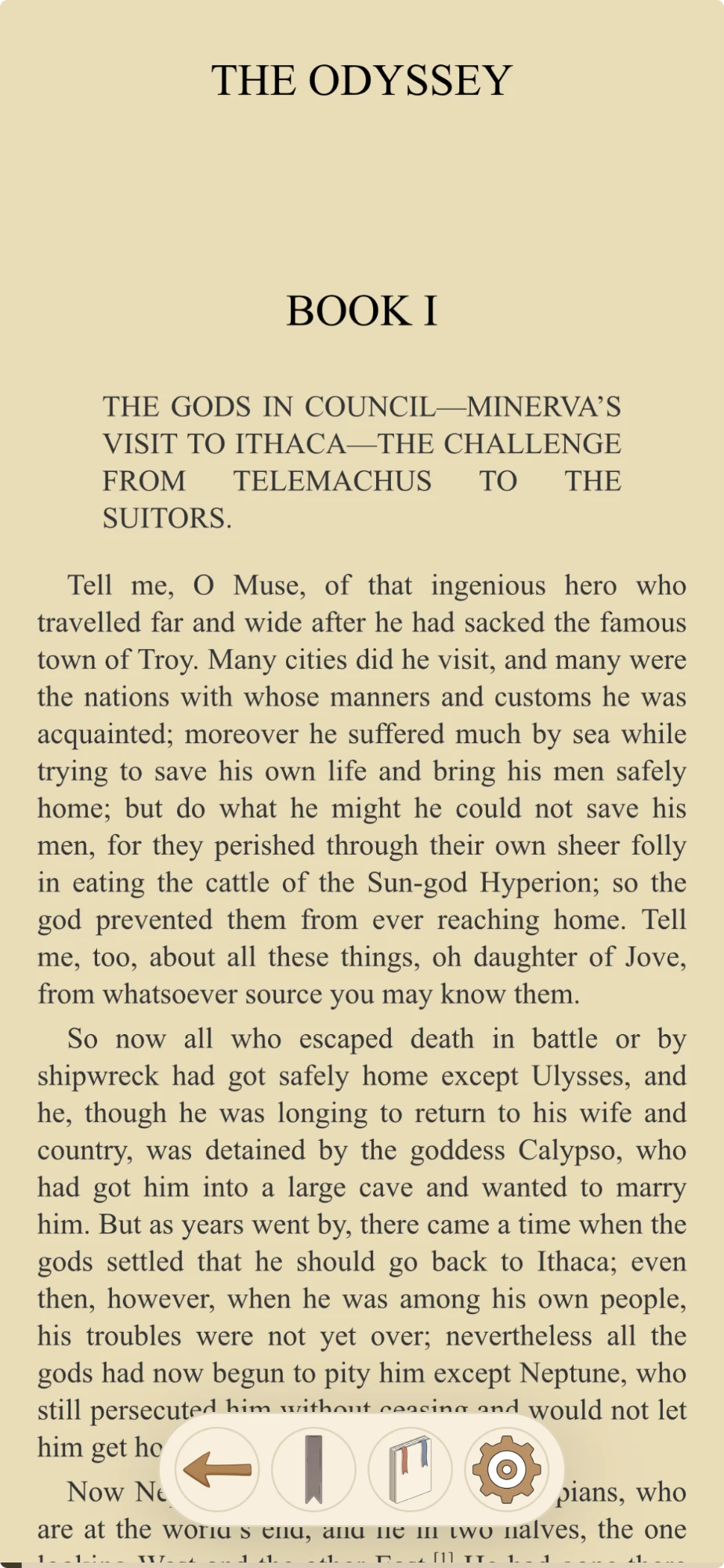
Most reading apps lose your place the moment you get curious. This one is built so that looking something up never costs you your spot.
Flipping ahead to check a name no longer overwrites where you stopped. Your spot moves when you settle into a passage, not every time you scroll past one. Wander far and a small pill offers to take you back, or to carry on from where you are now.
Tap a note marker and it opens in a sheet over the page, instead of throwing you to the back of the book and losing the thread. It handles modern ebooks and the plain numbered markers that older public-domain texts use.
Read-aloud follows the words as it speaks, survives leaving a book and coming back, and steps aside the moment you start scrolling by hand. Every book holds its own audio position, so one never disturbs another.
A tapped word now offers two things rather than one: translate it, or start reading aloud from that exact sentence.
Prefaces, appendices and endnotes no longer inflate your percentage. What you see is how far you have come through the writing itself.
Text size, page theme, pinch to zoom and proper text selection are no longer reserved for books you imported. They now work across the app, on story, work, author and event pages alike.
Reading aloud, instant translation and cloud sync for your own library are part of Literary Atlas Premium, an optional monthly subscription. The first two months are free.
The iPhone app
Finding things
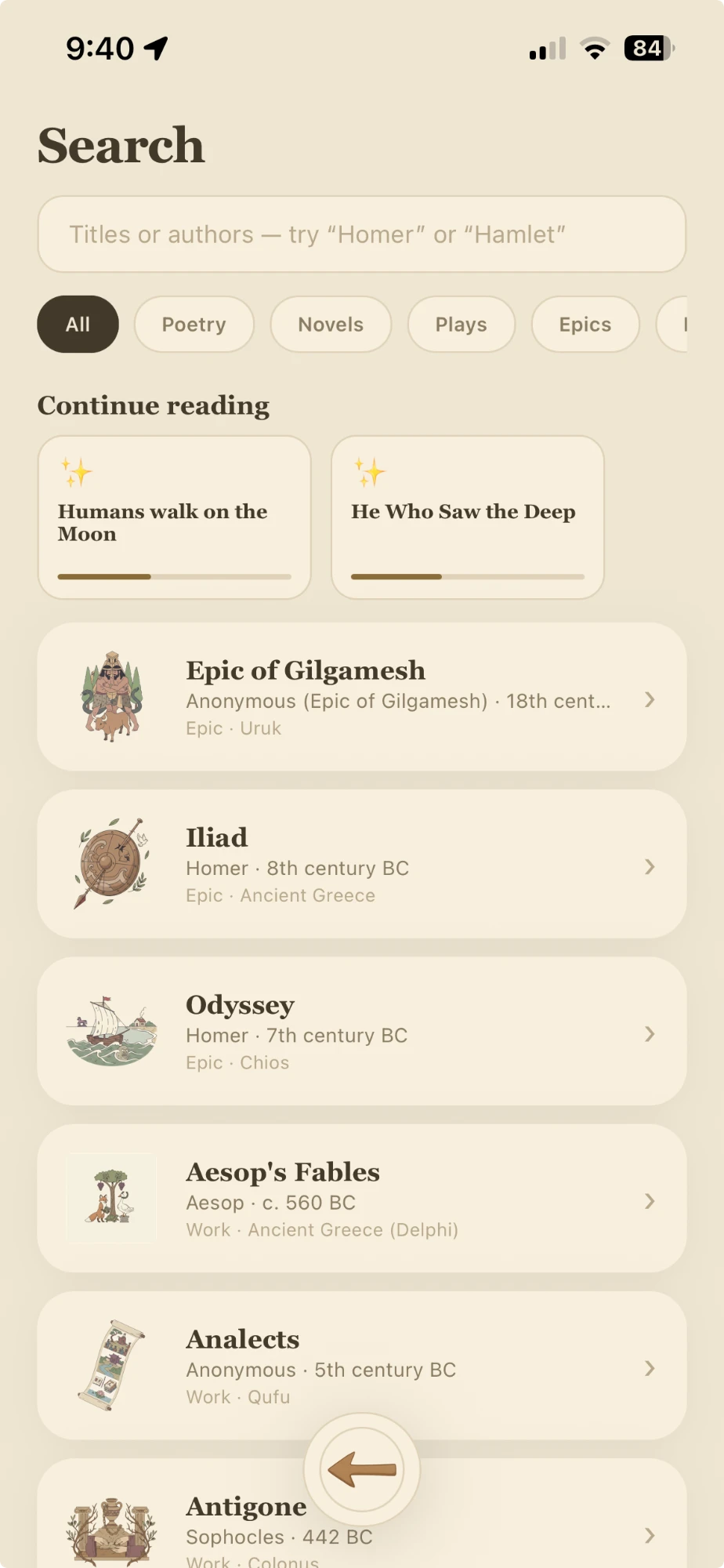
Pick what you are looking through first: works, authors or events. Then narrow it by type,
or by what you have saved, liked or already read. And when the title is not the thing you
remember, switch on In the text to search the body of the writing itself,
rather than only names and titles.
Those filters lean on a quieter change: every work, author and event now carries two small marks, one for its summary and one for its story. Something counts as read once you have earned both.
Share a link, open the book
A link to any author, work, event, or story opens the app right on that page — no
searching, no scrolling. Not installed yet? The same link points to the download instead.
Example: /open?to=work/<id>.
When a book is on Kindle
Found a book in the Atlas you don't own yet? One tap opens it on Amazon so you can read it in the Kindle app. Nothing is imported and nothing leaves your device — it's simply a shortcut to buy the book if you want it.
Books, your way
As an Amazon Associate, Literary Atlas earns from qualifying purchases. Some links to books open Amazon and carry an affiliate tag. If you buy through one, we may earn a small commission at no extra cost to you. It never changes the price you pay.
Get in touch
Literary Atlas is built by an independent developer. Beta testers and reading suggestions are always welcome — just send a note.